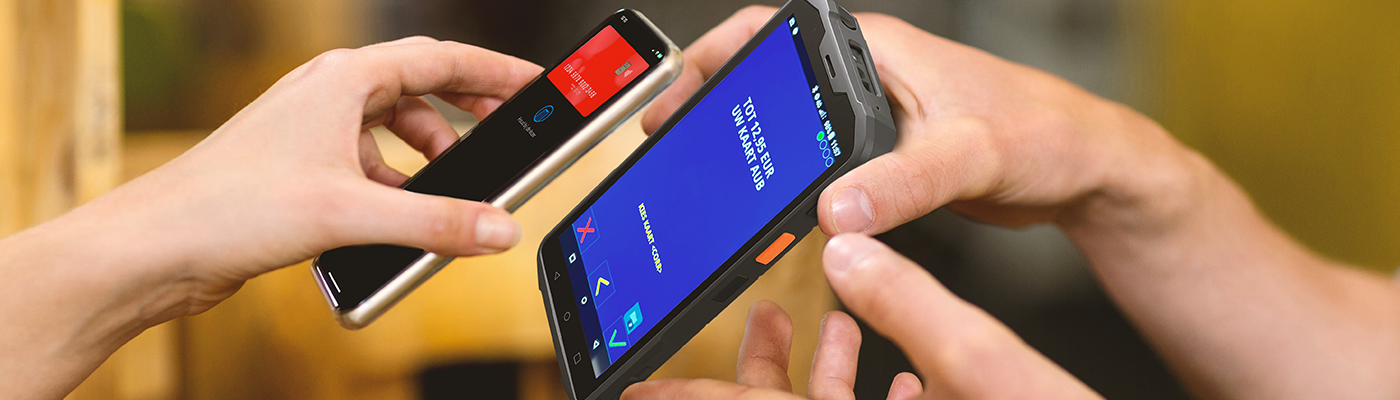
Mobile ATMs from Pay.

Discover the convenience of Pay's mobile ATMs for your business. Offer your customers effortless payment convenience anywhere with our reliable and easy-to-use solutions.

Atmosphere_1400x400px_SoftPos_Sunmi

be able to PIN anywhere

toa-heftiba-6bKpHAun4d8-unsplash

Why choose Pay's mobile ATMs?

Our mobile ATMs offer flexibility and convenience for all types of businesses. They are specially designed to process payments quickly and securely wherever you are.

  • Fast transaction processing: minimize waiting time
  • Compact and durable: Built for mobility
  • Automatic updates: always up-to-date

Flexible pins

Mobile ATMs for your organization

Wireless, portable and secure transactions.

pricing--quick-proposal
Easy and fast payment.

Pay's mobile ATMs offer ability to make payments quickly and easily.

wireless-checkout
Wireless and portable.

The ATMs are fully wireless and compact, making them easy to carry. Ideal for businesses working on location, such as markets, events and food trucks.

purchase
Secure transactions.

Security is a top priority at Pay. ATMs are equipped with the latest security technologies that ensure every transaction is safe and secure.

mobile--check
Support payment methods.

Pay's mobile ATMs accept a wide range of payment methods, including debit cards, credit cards, contactless payments, and mobile wallets such as Apple Pay and Google Pay.
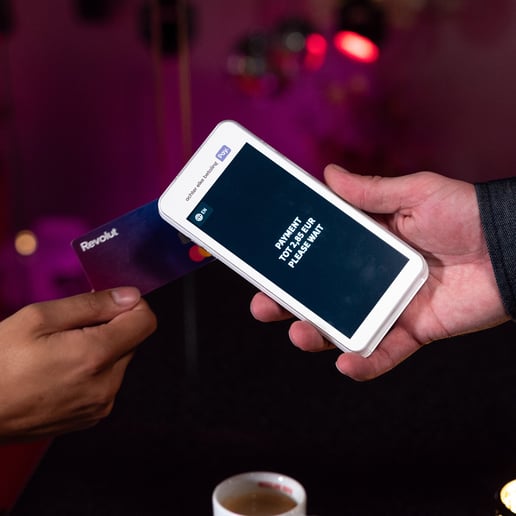
Wireless & portable

Mobile ATMs are compact making them easy to take with you on the go

Mobile terminal a77

Being able to PIN anywhere

Safe, wireless and effective.

Accept various payment methods, including debit cards, credit cards and contactless payments, for maximum flexibility and customer satisfaction.

Implementation

Instantly arrange all your online and in-store payments.

Mobile ATMs from Pay: Flexible and secure payments on the go.
Link text

Register directly

Receive online and in-store payments as early as 15 minutes through the Pay. platform

Link text

1-platform

All payment information on one platform: online, in-store and omnichannel

Link text

Report

Maximum insight into your payment traffic through comprehensive reports

Link text

Advantageous

Favorable rates per transaction

Link text

QR code

Desktop purchases can also checkout with a QR code

Link text

Prompt payment

Even faster payments through the online banking app

Mobile Debit via Pay.

Frequently Asked Questions

Any more questions?

Get in touch

How long does it take to install and commission a Pay mobile ATM?

Installing and operating a Pay mobile ATM is simple and quick. Once you receive the device, follow the step-by-step instructions provided. In most cases, the entire process takes no longer than 15 minutes. Our customer service team is also here to help you should you have any questions during installation.

What payment methods are supported by Pay's mobile ATMs?

Pay's mobile ATMs support a wide range of payment methods, including debit cards (Maestro, V PAY), credit cards (Visa, MasterCard, American Express), contactless payment (NFC), and mobile wallets such as Apple Pay and Google Pay. This offers you and your customers maximum payment flexibility and convenience.

What should I do if my mobile ATM is not working or gives an error message?

If your mobile ATM is not working or giving an error message, there are a few steps you can follow to solve the problem. First, check that the device is charged and that there is a stable Internet connection. Reboot the ATM and try again. If the problem persists, you can contact Pay customer service. Contact our customer service, read how to do that here.

achter elke betaling pay-logo